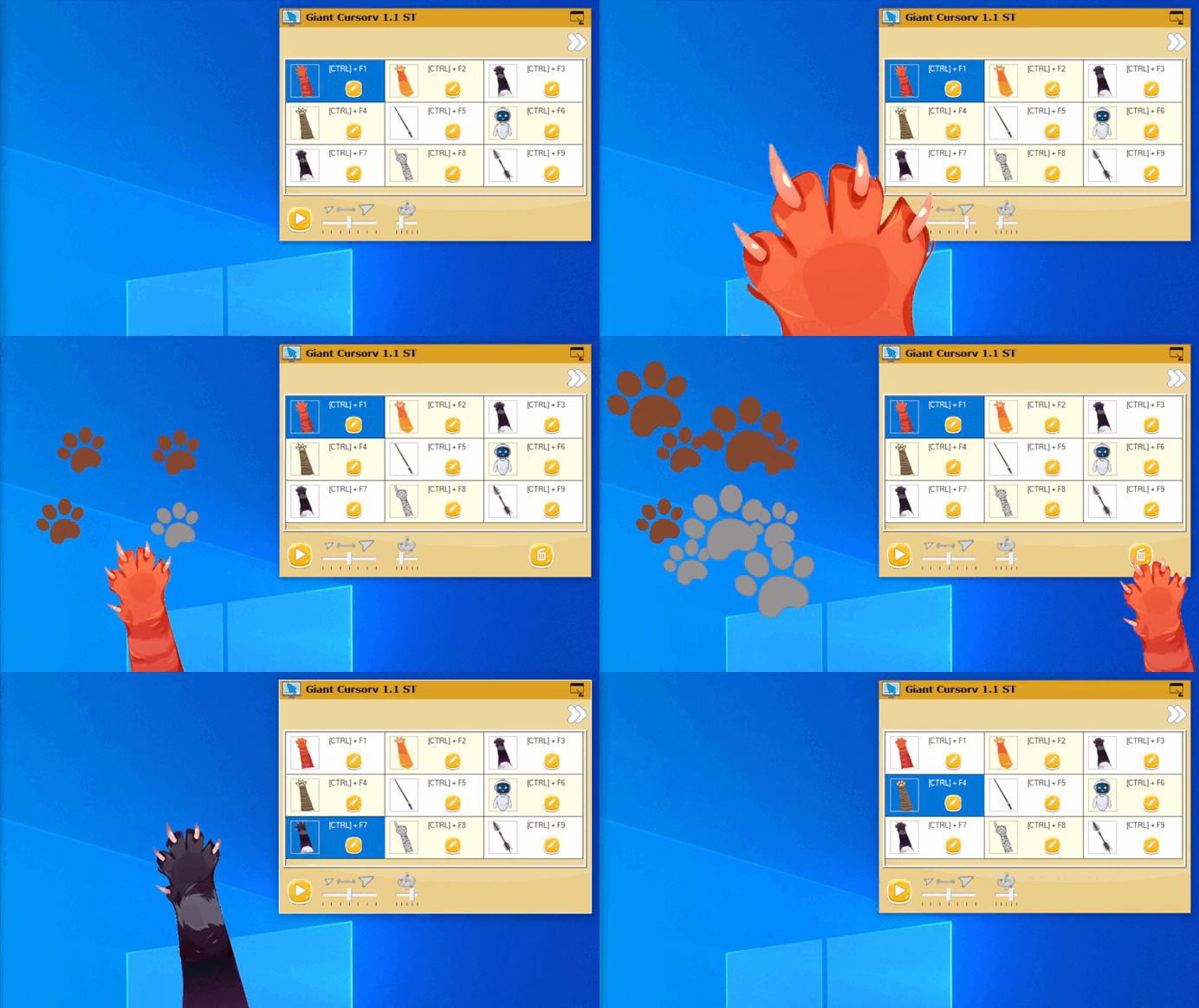
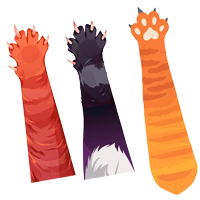
 Giant cursor category Animal / Cat
Change your cursor to a cat paw, ...
Change your mouse cursor with fun and incredible cursors or add a companion to your cursor.
You have 7 cursor sizes for each of the +200 cursors and +20 companions
Some sliders or companions are animated.
Add effects with a click of the mouse from over 100 available effects: explosion, cloud, stamps, ink blots, emoji, etc.
Features:
- 2 modes: Giant Cursor or Companion
- 200 cursors.
- 20 companions.
- 100 available effects.
- Easy to change cursor size (7 sizes).
- Some cursors or companions are animated.
- Support for keyboard shortcuts, allowing you to activate, deactivate, change the cursor, change the size, ...
- Available keyboard keys : they can be changed in the application settings.
- Multi monitor environments are supported.
- Support AutoRun when computer starts.
- Optimized consumption of CPU / GPU resources.
- Giant Cursor can be used at the same time as most other applications.
Limitations:
The application works for Windows 10 and 11. The application changes the main Windows cursor.
Some Windows system screens, applications, or games do not allow you to change the cursor.

 Giant cursor category desktop
 Big cursor Category Magic Wand
 Big cursor Category Food
 Big cursor Category Drink
 Big cursor Category Hand and Arm
 Big cursor Category Weapon
 Download App Giant Cursor